Video Editing Brief Template: What to Send Your Editor
Use a video editing brief template to define footage, style, deliverables, deadlines, revisions, and handoff. Includes a filled example.
A video editing brief tells your editor what the footage is, what the finished video should achieve, and how you will decide it is ready. The template below is designed for post-production: you already have footage or a clear plan for supplying it.
Copy the blank fields into a document, complete the essentials, and let the editor ask questions before quoting. The filled example is fictional. You do not need to invent a brand strategy or a technical specification you do not understand; mark uncertain items for discussion.
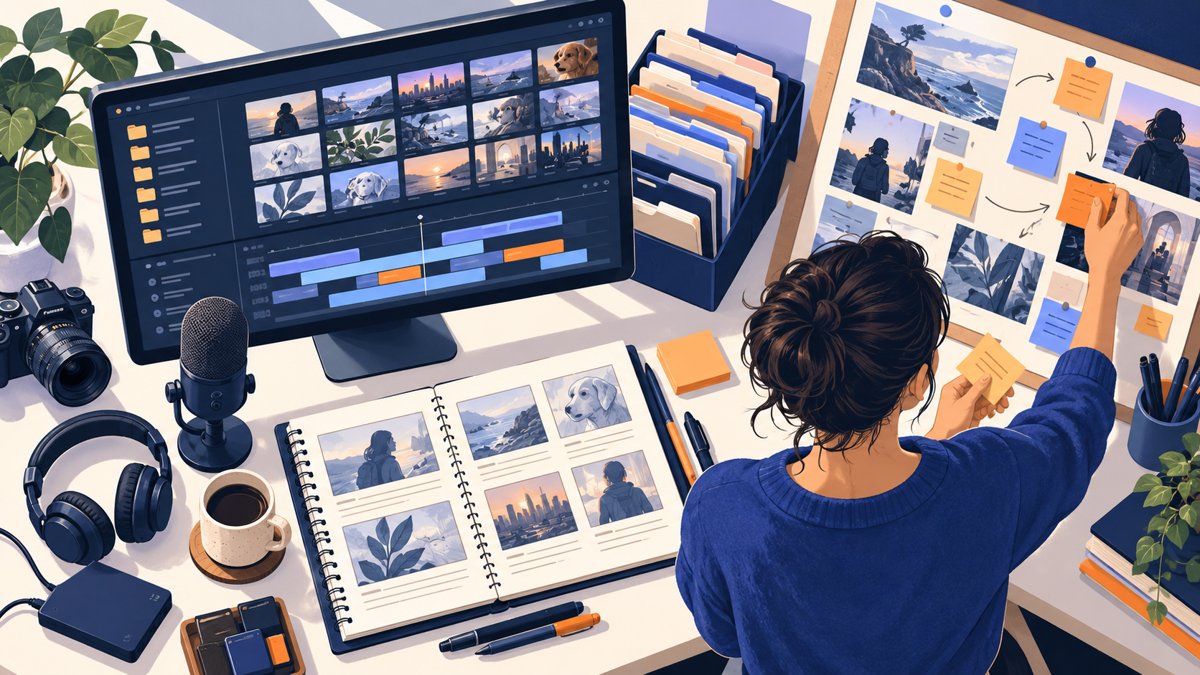
1. Start with the outcome and viewer
Describe what a viewer should understand, feel, or do after watching. “Make it engaging” is too vague to guide an edit. “Help a first-time user complete the three setup steps without missing a warning” gives the editor a concrete priority.
Name the audience’s level of knowledge, the publication channel, and the context. A silent social clip and a narrated desktop tutorial need different choices. Note any claims, demonstrations, or safety instructions that must remain accurate.
2. Copy this video editing brief template
PROJECT NAME / VERSION: [name and date] POINT OF CONTACT: [one person who consolidates feedback]
OUTCOME: [what the video should help the viewer do] AUDIENCE: [who will watch and what they already know] DESTINATION: [channel, placement, or platform]
SOURCE MATERIAL: [folder link, raw duration, camera count, audio, screen recordings] KNOWN ISSUES: [noise, missing shots, inconsistent lighting, or none known]
DELIVERABLES: [number of videos and approximate runtime] FORMAT: [aspect ratio, resolution, export format; confirm unknowns] CAPTIONS: [none / burned-in / separate file, language, proofreading needs]
EDITING TASKS: [cuts, story selection, audio, color, graphics, extra footage] MUST KEEP: [facts, lines, demonstrations, disclosures] MUST REMOVE: [outdated facts, private information, unwanted takes]
REFERENCE: [link + timestamp + the specific feature you like] AVOID: [effects, pacing choices, or tone that would not fit] ASSETS PROVIDED: [logo, fonts, terminology, music, approved graphics] ASSETS TO SOURCE: [what the editor should supply and confirm licensing for]
DATES: [files ready, first draft, feedback, final deadline + time zone] BUDGET: [amount and currency, or request a quote] REVISIONS: [rounds requested and scope to confirm] HANDOFF: [exports, caption files, project files, dependencies] OPEN QUESTIONS: [items to settle before the order]
3. See a filled example
Fictional project: a beginner tutorial about organizing a digital workspace. This example narrows the creative decisions without demanding a shot-by-shot edit.
| Field | Example answer |
|---|---|
| Outcome and audience | Help first-time users organize a small set of bookmarks |
| Inputs | 22 minutes of single-camera narration, separate audio, and a screen recording |
| Outputs | One 7–9 minute horizontal video; one proofread English SRT file |
| Editing | Remove false starts; align screen actions with narration; add a few readable step labels |
| Style | Calm and clear; keep useful pauses; avoid dense transition effects |
| Must keep | The backup step and the distinction between local and synced data |
| Dates | All files Monday; first draft Thursday; feedback Friday; final Tuesday, times agreed in Eastern Time |
| Handoff | MP4 and SRT; quote editable project separately |
The schedule is an example, not a recommended universal turnaround. Confirm the editor’s availability and how late files or feedback affect the dates. A deadline is not workable until both sides have accepted it.
Send your editing brief to Shafin on Fiverr
4. Make references usable
Choose one or two short reference sections and explain what each demonstrates. You might like the readable labels in one video and the restrained music in another. Tell the editor which preference wins if they conflict.
References describe a direction; they are not permission to copy another creator’s graphics, music, footage, or identity. Supply your own licensed assets or ask what can be sourced appropriately. Describe the result you need without requesting a duplicate.
5. Match the brief to your folders
- Keep original recordings in a clearly identified folder and retain your own backup.
- Use descriptive filenames and a simple take list when several recordings cover the same section.
- Separate approved assets from optional references.
- Include a pronunciation or terminology list where names and specialist terms matter.
- Point out missing material and ask whether to record it before editing starts.
A practical handoff can use folders called 01-Video, 02-Audio, 03-Screen, 04-Brand, and 05-Notes. These names are an editorial suggestion, not a software requirement. Check that the recipient can open the shared folder without exposing unrelated files.
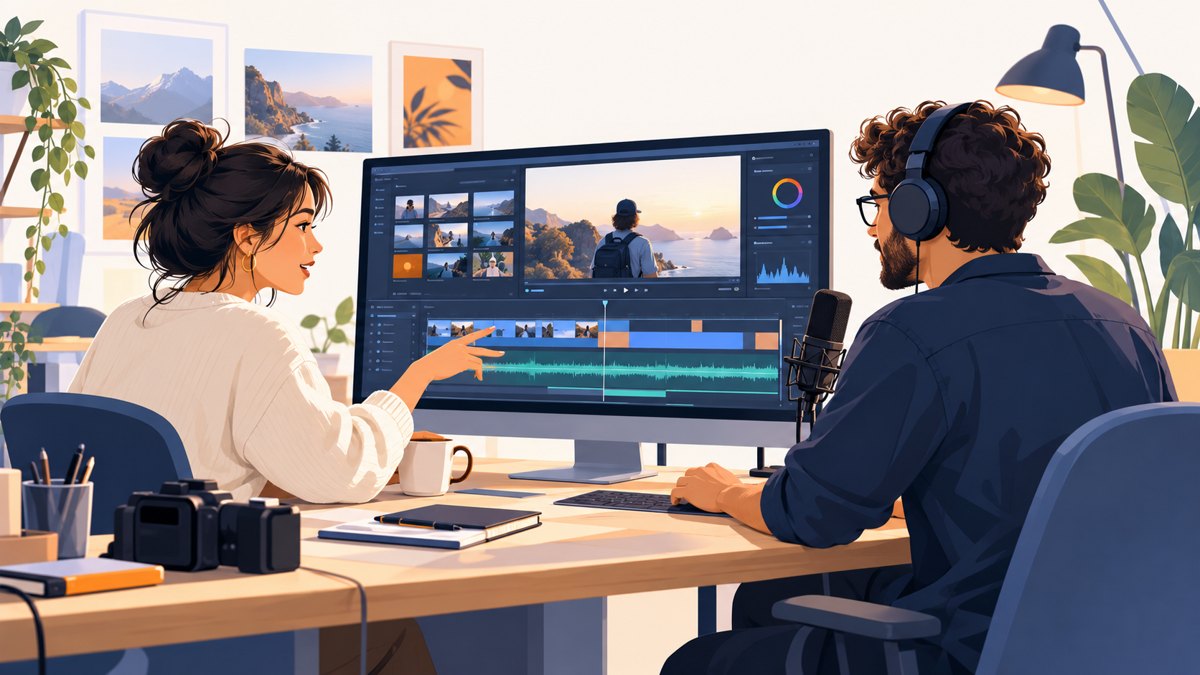
6. Define acceptance and feedback
Turn subjective preferences into checks you can discuss: required information remains correct, the screen demonstration matches the narration, captions follow the terminology list, and the agreed files open successfully. Where taste is involved, refer back to the selected example.
Feedback format: [timestamp] — [observed issue] — [requested change]. Example: 03:18 — the label covers the setting being demonstrated — move the label above the control without hiding another step.
Keep one brief version as the quoting reference. If you change the script or add outputs, send a dated update and ask whether the change affects price or delivery. Do not quietly replace the document while work is underway.
7. Send the brief before choosing a package
Ask an editor to confirm the deliverables, missing information, total quote, and dates. On a marketplace, compare the final order description with your brief. Keep unresolved questions visible rather than hoping they will be interpreted the same way.
Send your editing brief to Shafin on Fiverr
Frequently asked questions
How long should an editing brief be?
Long enough to define the project without hiding the essentials. Start with the template and remove fields that genuinely do not apply. A complex project may need additional specifications.
Can the editor help if I do not know the technical settings?
Yes, if that help is agreed. State the destination and ask the editor to recommend export settings, then confirm them before the work starts.
Is this template a contract?
No. It is a project-planning aid. Confirm the order or agreement, payment, permissions, and other applicable terms separately.
Sources and editorial approach
Sources reviewed October 16, 2026: Twine: example video editor project brief. Worksheets and scenarios are original editorial aids. Tabvanta has not tested or ranked individual providers for this article. Examples are labeled; illustrations do not document real client projects. Links to Fiverr are ordinary links, not affiliate tracking links. Service selection also used the public Shafin Taosif (shafin790) Gig page, checked October 16, 2026. Selection reflects published ratings, Gig review counts, and topic fit; total completed orders and unique buyers were not independently verified.
Make it easier with Tabvanta
Organize your favorite websites and start browsing your way.
Open Tabvanta →