How to Hire a Video Editor: A First-Time Buyer’s Checklist
Hire a video editor with a clear brief, comparable quotes, and a paid trial. Includes a first-time buyer checklist, inquiry template, and trial scorecard.
To hire a video editor, define one project, compare relevant work, request quotes for the same scope, and run a small paid trial before committing to regular work. A clear brief and a delivery checklist make that first decision easier.
This guide is for creators and small business owners outsourcing an edit for the first time. It includes a quote worksheet, an inquiry template, and a suggested trial scorecard. Examples are illustrative; this is a research-based buying guide, not a review of editors we have hired.

1. Decide what you need help with
Start with the task that is slowing you down. You may need a clean first cut, a complete finished video, or several vertical clips from a longer recording. Those are different jobs. Write down the work you will keep and the work you want someone else to own.
If you are still experimenting with your format, outsource one repeatable step first. If you already have an established format and a realistic recurring budget, a complete edit may make more sense. Include time spent preparing files and reviewing drafts when deciding whether outsourcing saves you time.
- A tutorial: preserve the explanation and keep screen recordings aligned with the narration.
- An interview: maintain the meaning of the conversation while tightening repetition.
- A social clip: agree on the excerpt, framing, captions, and intended audience.
- A product video: identify the claims, demonstrations, and details that must remain accurate.
2. Write a scope that an editor can quote
“An eight-minute video” describes the output, not the workload. Twenty minutes of organized footage and three hours of mixed recordings can require very different amounts of editing. Give candidates enough information to assess both the source material and the finished result.
| Item | What to specify |
|---|---|
| Source material | Raw duration, number of files and cameras, separate audio, and any known recording problems |
| Deliverables | Number of videos, approximate runtime, aspect ratio, resolution, and caption files |
| Editing tasks | Cuts, graphics, audio cleanup, color work, captions, and additional footage |
| Style | One or two reference links with timestamps and an explanation of what you like |
| Schedule | First-draft date, feedback window, and final deadline |
| Revisions | Included rounds, what counts as a revision, and how scope changes are priced |
| Handoff | Final exports, project files if needed, software compatibility, and asset dependencies |
Name an order of priority. For example: accurate explanation first, clear sound second, decorative effects last. If your budget cannot cover the full scope, this helps the editor propose a smaller, useful version.
3. Compare similar portfolio work
Shortlist two or three candidates whose work resembles your project. A fast montage can demonstrate visual flair without showing whether someone can edit a ten-minute explanation. Ask for a full-length example they have permission to share, and ask which parts they personally handled.
- Watch a complete section with sound. Does the story remain understandable?
- Check whether text stays on screen long enough to read on a phone.
- Listen for distracting changes in dialogue volume or music that competes with speech.
- Look for pacing appropriate to the subject, rather than the greatest number of effects.
- Ask how they would approach one difficult part of your footage.
Reviews can add context, especially when they describe similar projects. Use them alongside relevant samples and a clear discussion of the work. A large review count alone does not establish a fit for your format.
4. Choose a hiring route that fits the workload
| Route | Useful when | Questions to resolve |
|---|---|---|
| Freelance marketplace, such as Fiverr | You want to browse individual providers and compare defined offers | Does the offer cover your exact footage, deliverables, and revision needs? |
| Independent freelancer | You want a direct working relationship with a particular editor | How will the agreement, payment schedule, file access, and backup coverage work? |
| Editing agency or subscription | You have recurring work and need a coordinated process | What are the queue, active-project, turnaround, and revision limits? |
These routes overlap: an agency can sell through a marketplace, and a freelancer can offer a monthly arrangement. Compare the actual agreement. A subscription is not automatically cheaper, and a project price is not automatically the full cost.
On Fiverr, use the video editing category as a starting point, then check each relevant offer and confirm your full brief before ordering. This is an ordinary link, not an affiliate tracking link.
View Kristiyan’s video editing service on Fiverr
5. Compare complete quotes, not headline prices
Fiverr’s video editor cost guide identifies experience, project complexity, turnaround, and equipment requirements as factors in pricing. That is a useful reason to request a quote for a defined project instead of treating a category-page starting price as a project estimate.
Ask each candidate for a total in USD for the same brief, with exclusions listed. Confirm any platform fees and taxes shown at checkout. Keep the following worksheet beside the quote so that a missing deliverable does not disappear into the headline number.
| Quote item | Candidate A | Candidate B |
|---|---|---|
| Raw-footage allowance | Fill in | Fill in |
| Finished videos and runtime | Fill in | Fill in |
| Captions and additional formats | Fill in | Fill in |
| Included revisions and exclusions | Fill in | Fill in |
| First draft and final deadline | Fill in | Fill in |
| Project-file handoff, if needed | Fill in | Fill in |
| Total including required extras | Fill in | Fill in |
Illustrative arithmetic only: a $120 quote plus $40 for captions and $30 for a vertical version totals $190 before any other fees. A $180 quote that includes both could be lower for that scope. These invented figures explain comparison; they are not market rates or live seller offers.
6. Send a specific inquiry
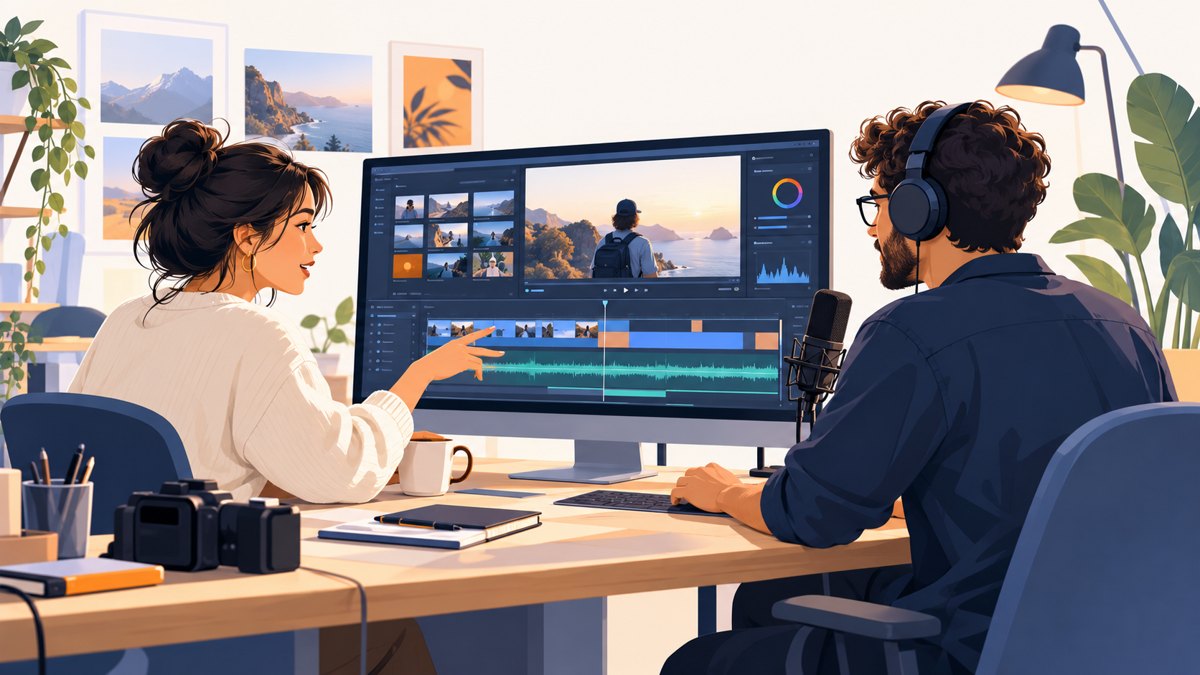
Copy and adapt this message. The example describes a fictional project; replace the bracketed details and remove anything you do not need.
Hi [name], I’m looking for an editor for [type of video] aimed at [audience].
I have [raw duration] of footage from [camera count], plus [separate audio / screen recordings]. I need one approximately [runtime] video in [aspect ratio and resolution].
Please include [specific editing tasks]. I will provide [script, brand assets, terminology, and other files]. Here is a reference: [link]. I like [specific feature] at [timestamp]; I am not asking you to copy it.
My target first-draft date is [date], with final delivery by [date]. My budget is [amount in USD]. Please confirm feasibility, your full quote, included revision rounds, and any exclusions.
I also need [caption file / editable project / other handoff]. Please explain any additional licenses or dependencies. Could you share a comparable example you are allowed to show and confirm your role in it?
Before sharing recordings, remove material the editor does not need. Use appropriate file permissions, and discuss confidentiality for sensitive projects. You should not need to share your channel password just to receive an edited file.
7. Run a small paid trial and use a scorecard
Choose one self-contained project or a short, representative excerpt. Agree on payment, deliverables, the deadline, and feedback before work starts. Make the trial large enough to show the skills you need, but avoid committing to a month of work before you have reviewed a result.
The following is a suggested decision aid, not a validated prediction of future performance. Score each area from 1 to 5 and record one concrete observation. Compare candidates against your brief rather than against whichever edit looks most expensive.
| Area | What to look for |
|---|---|
| Understanding | The edit keeps the intended meaning and includes the required content |
| Relevant craft | Pacing, sound, captions, and graphics suit this particular format |
| Communication | Questions are specific, assumptions are checked, and feedback is understood |
| Reliability | The agreed delivery and update schedule is followed |
| Handoff | Exports and supporting files match the agreement |
Do not let a total score hide a critical problem. An omitted product detail, an unusable file, or an unresolved licensing question needs attention even if the edit looks polished. If the trial works, use the approved result and brief as references for the next project.
8. Agree on revisions, asset use, and handoff
“Two revisions” needs a definition. Ask whether that means two consolidated feedback rounds, what deadline applies, and how new footage or a rewritten script changes the price. Send one organized list with timestamps instead of many disconnected messages.
Useful feedback names the desired change: “At 02:14, replace the product name with the approved spelling.” For a pacing issue, describe what is being lost or repeated instead of asking for something vaguely “more professional.”
- Confirm whether editable project files are included and which application and version are required.
- Ask which fonts, plugins, music, and stock assets the project depends on, and who supplies the necessary licenses.
- Agree on the intended use of third-party assets and retain any supplied documentation.
- Confirm whether the editor may show the work publicly and whether confidentiality is required.
- Agree how long source and project files will remain available after delivery.
Do not assume an editable project includes transferable licenses for every asset. Ask for the applicable terms and any separate licenses you may need. Keep your own source files and final exports in a separate backup.
9. Check the final delivery
- Watch the complete export, including its beginning and end.
- Check names, captions, numbers, and any claims against your approved materials.
- Listen on headphones and ordinary speakers for dialogue clarity and unexpected audio changes.
- Check the agreed aspect ratio, resolution, file format, and additional versions.
- Open the delivered caption and project files, if included, and check for missing dependencies.
- Resolve outstanding changes and retain the agreed asset documentation before closing the project.
Start with one well-defined video. A good first hire gives you a usable result and a repeatable way to brief, review, and accept the next one.
View Kristiyan’s video editing service on Fiverr
Frequently asked questions
How much should I budget to hire a video editor?
Request quotes for your exact footage and deliverables. Compare the complete total, included revisions, deadline, caption needs, and any handoff requirements. This guide does not claim a universal market rate.
Should I ask for a free sample edit?
A small paid trial is the recommended approach in this guide. Agree on the scope, fee, deadline, and deliverables before the editor starts. Existing portfolio work can help you decide who to invite to a trial.
Do I need to hire a US-based editor?
Serving a US audience does not automatically require an editor based in the US. Evaluate language understanding, relevant work, communication hours, and the practical requirements of your project.
Can I start with only captions or a rough cut?
Yes, if you and the editor clearly define that smaller deliverable. Specify whether timing, transcription, proofreading, or creative selection is included, and who finishes the remaining work.
Sources and editorial approach
Sources reviewed October 16, 2026: Fiverr’s video editor cost guide and Twine’s example video editor project brief. The worksheets, inquiry example, and suggested scorecard here are original editorial aids. Tabvanta has not personally tested or ranked individual editors for this article. Images are AI-generated illustrations; they are not screenshots of a tested service. Service selection also used the public Kristiyan (crslaytor) Gig page, checked October 16, 2026. Selection reflects published ratings, Gig review counts, and topic fit; total completed orders and unique buyers were not independently verified.
Make it easier with Tabvanta
Organize your favorite websites and start browsing your way.
Open Tabvanta →