How to Hire a YouTube Video Editor for Your First Outsourced Video
Hire a YouTube video editor for your first outsourced upload. Define the channel style, test an edit, manage feedback, and check delivery.
For your first outsourced YouTube video, choose one manageable upload and ask an editor to reproduce the channel’s priorities—not every effect you have seen on larger channels. A representative paid trial can show whether the collaboration works before you commit to a publishing schedule.
This guide focuses on channel-specific decisions: preserving your voice, matching screen demonstrations, briefing the opening, and separating editing from upload management. It is a research-based workflow, not a list of editors we have personally tested.
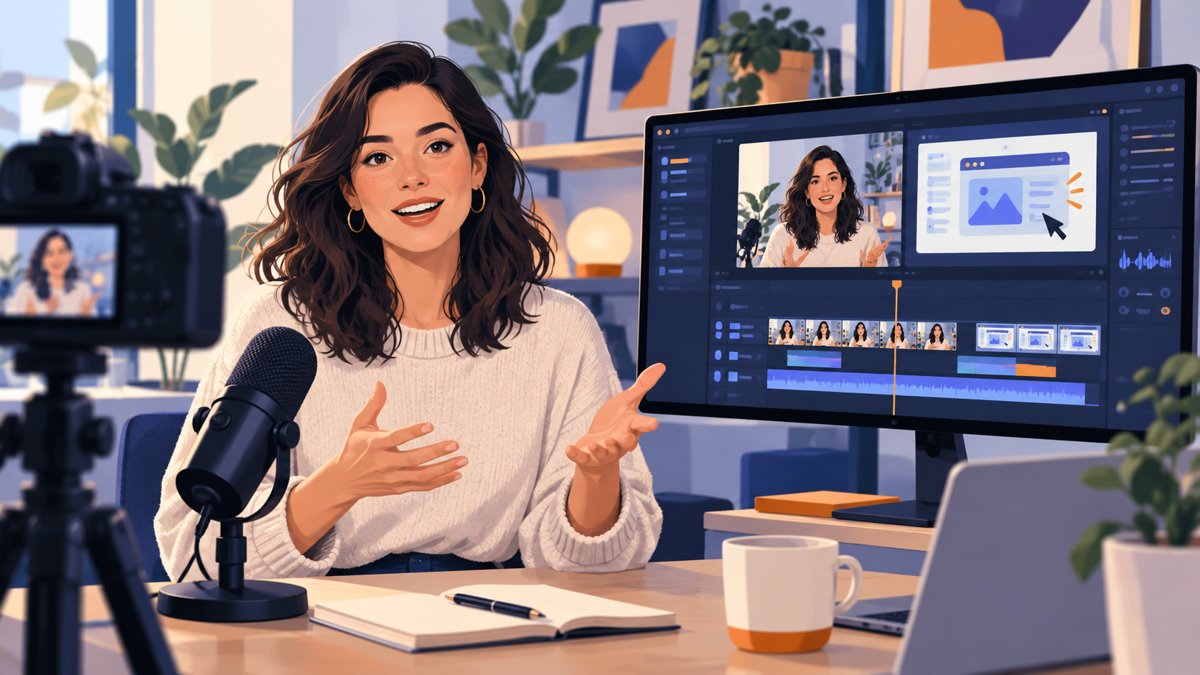
1. Choose the right first video to outsource
Use an episode with a clear purpose, available footage, and enough time for review. Avoid using your most urgent launch or most technically unusual production as the only test. The first project should expose the skills you need without depending on information that only exists in your head.
If your channel is new, explain the format you want to test. Do not describe an unproven concept as an established style. If you already have videos, select one reference that demonstrates the parts you want to preserve and identify the parts you want changed.
2. Turn your channel style into instructions
| Channel decision | A useful instruction |
|---|---|
| Viewer and promise | Beginners should be able to complete the demonstrated task |
| Voice | Keep natural delivery and useful pauses; remove repeated false starts |
| Opening | Reach the example promptly while preserving the context needed to understand it |
| Visual support | Show the screen action when it is mentioned; add labels only where helpful |
| Music and effects | Keep dialogue clear; avoid effects that interrupt the explanation |
| Accuracy | Do not change the order of steps if it makes the demonstration incorrect |
Avoid promising that an editor will deliver a particular retention rate, view count, or subscriber result. Editing is one input alongside the idea, presentation, audience, and packaging. A useful trial establishes whether the work meets your creative and technical brief.
3. Match samples to the actual format
A strong short-form montage does not automatically demonstrate long-form tutorial editing. For a screen-recorded guide, look at explanation and cursor timing. For an interview, listen to conversational flow. For a vlog, look at how scenes create a coherent experience.
- Ask for one relevant example the editor has permission to share.
- Ask which responsibilities they handled: edit, script, graphics, sound, or upload.
- Watch a complete segment instead of only the highlights.
- Identify a moment similar to a difficult part of your own video.
- Ask one specific question about how they would solve that problem.
Use public portfolio and review information as context, then confirm your own project. You do not need to demand confidential analytics or private client files to assess whether someone understands your task.
4. Scope one episode and keep extras separate
Specify raw duration, approximate finished runtime, camera count, separate audio, and screen recordings. List each output. A main horizontal video, vertical excerpts, a thumbnail, captions, and upload management are separate deliverables unless the offer explicitly combines them.
| Output | Confirm before ordering |
|---|---|
| Main video | Approximate runtime, aspect ratio, resolution, and export |
| Captions | Language, proofreading, burned-in text or separate file |
| Short clips | Who selects moments, how many, and which versions |
| Thumbnail | Whether design is included and who provides images |
| Editable project | Application, version, assets, plugins, and any extra fee |
| Publishing work | Whether metadata, upload, scheduling, or channel access is included |
Request a quote for those outputs and agree on the first-draft date. Set aside time for your own response. A nominally fast turnaround does not help if the project waits several days for missing assets or conflicting feedback.
View Omar’s YouTube video editing service on Fiverr
5. Use a paid trial with channel-specific checks
Ask for a self-contained excerpt or complete short episode with an agreed fee and deadline. The result should let you evaluate an opening, a transition between ideas, dialogue, and at least one representative visual explanation. This is an editorial suggestion, not a universal trial length.
| Check | Question for your review |
|---|---|
| Meaning | Does the edit still express what you intended? |
| Voice | Does the pacing suit your presentation rather than imitate an unrelated channel? |
| Demonstration | Do screen actions and narration align? |
| Legibility | Are labels and captions readable at ordinary viewing size? |
| Collaboration | Were questions and feedback handled clearly? |

6. Keep the feedback loop manageable
Write down issues with timestamps and consolidate them into one response. Distinguish corrections from new creative directions. If you decide to re-record a section after the draft, ask how that affects scope and schedule before sending it as an expected minor revision.
Example feedback: 01:42 — the demonstration jumps past the setting named in the narration — please show that control long enough to identify it. Example approval: The pacing and label style in version 2 are approved. Please apply those decisions to the remaining sections without changing the step order.
After approval, keep a small channel style note: label placement, terminology, music preference, export requirements, and recurring mistakes to avoid. Update it when you make a lasting decision, not every time you have a passing preference.
7. Separate file delivery from channel access
If you upload the final video yourself, the editor can deliver files without access to your channel. If channel management is part of the job, YouTube provides channel permissions so collaborators can work without receiving your Google Account password. Select access appropriate to the assigned task and review it when the arrangement ends.
The official YouTube channel permissions guide describes the current roles and their limits. Confirm the role in that guide instead of assuming an editor should receive every available permission.
8. Accept the episode and decide what comes next
- Watch the complete final export and check the start and end.
- Verify names, subtitles, on-screen facts, and any required disclosures.
- Check audio on headphones and ordinary speakers.
- Open caption and project files that were included in the agreement.
- Retain source recordings, final exports, and supplied asset documentation.
- Confirm the next episode’s workload and availability before promising a recurring schedule.
Your next decision can be small: repeat the same arrangement for one more episode, adjust the brief, or try another candidate. A successful first video is evidence about the workflow—not a guarantee about future channel growth.
View Omar’s YouTube video editing service on Fiverr
Frequently asked questions
Does a YouTube editor need my channel password?
Not for ordinary file editing and delivery. For agreed channel work, consult YouTube channel permissions and provide only the access needed; do not share your Google Account password.
Should I hire a separate thumbnail designer?
That depends on the offer and the work you need. Confirm whether thumbnail design is included and inspect relevant samples rather than assuming video editing covers it.
Can an editor guarantee more views?
Treat a promised view outcome cautiously. Evaluate whether the edit meets the agreed content, style, and delivery requirements rather than assuming a specific audience result.
Sources and editorial approach
Sources reviewed October 16, 2026: YouTube: channel permissions; Fiverr: video editor cost factors. Worksheets and scenarios are original editorial aids. Tabvanta has not tested or ranked individual providers for this article. Examples are labeled; illustrations do not document real client projects. Links to Fiverr are ordinary links, not affiliate tracking links. Service selection also used the public Omar Farooq (omarfarooq111) Gig page, checked October 16, 2026. Selection reflects published ratings, Gig review counts, and topic fit; total completed orders and unique buyers were not independently verified.
Make it easier with Tabvanta
Organize your favorite websites and start browsing your way.
Open Tabvanta →